Digital Signage Systems in Israel: Cloud vs On-Prem and How to Choose a Vendor (2026)
A guide to choosing a digital signage system in Israel: cloud management versus on-premise deployment, must-have capabilities, vendor questions and hidden costs.
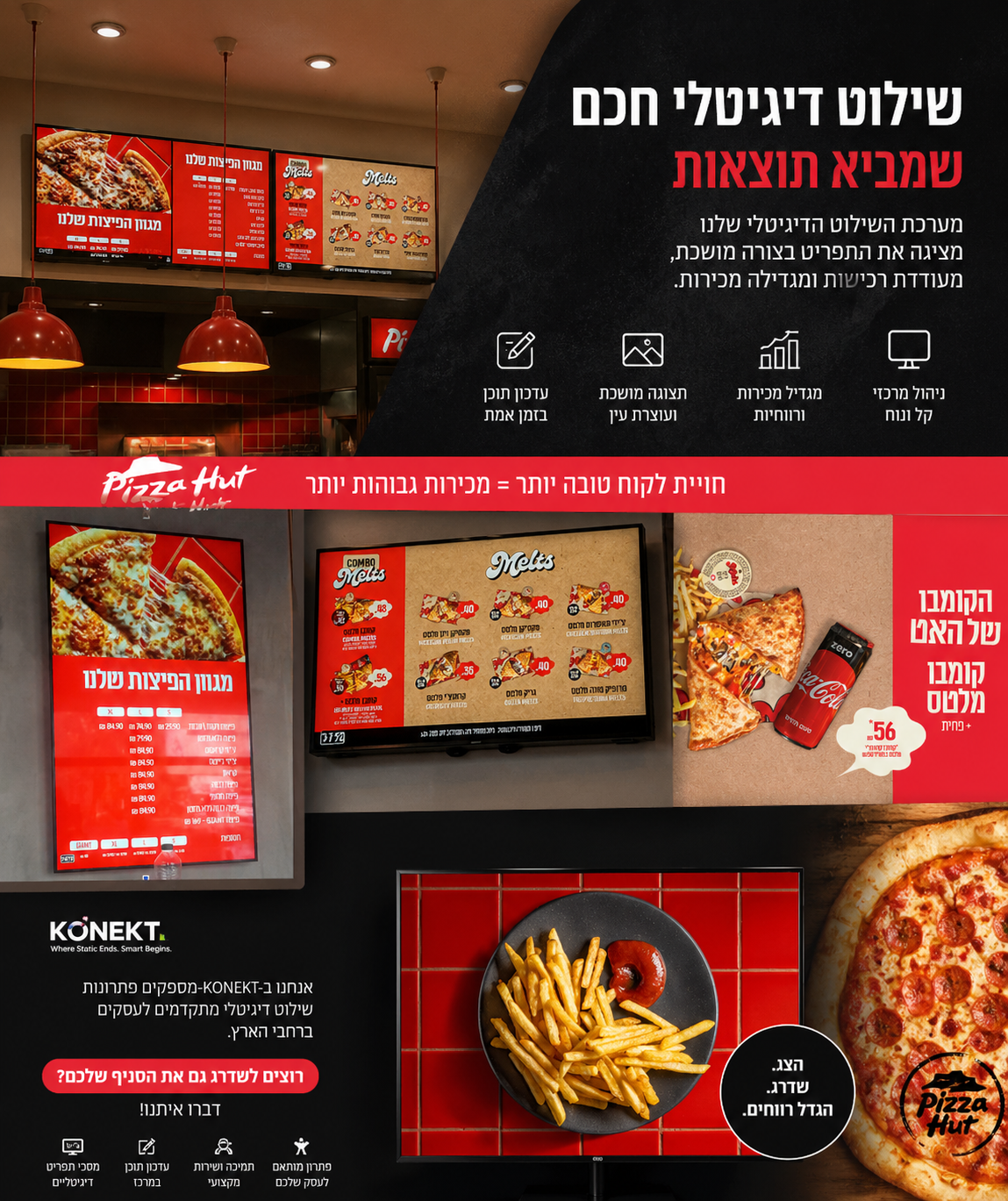
Choosing a digital signage system is an operational decision, not a screen decision. The screens are broadly similar everywhere. What separates a rollout that works from one that ends with dark screens is the management layer: how content is updated, how you learn a screen went down, and how prices travel from the business system to the display.
Cloud or on-premise?
| Criterion | Cloud management | On-premise |
|---|---|---|
| Time to go live | Fast | Requires internal setup |
| Data access | Through the service provider | Stays inside the corporate network |
| IT requirements | Minimal | Server and internal ownership |
| Strict compliance fit | Depends on policy | Especially suitable |
| Remote monitoring | Built in | Possible — as done at Tiv Taam |
At Tiv Taam, for example, the system is installed on-premise and monitored remotely by SMART KONEKT — data stays inside the organization while maintenance and support are handled externally.
Must-have capabilities
- Central management of all screens from one dashboard, including branch groups and permissions.
- Content scheduling by day, hour, season or event.
- Offline playback so screens keep running without internet.
- Integration with ERP, POS or a promotions engine.
- Device-level monitoring with fault alerts.
- Full Hebrew and RTL support — not a given in international platforms.
Questions to ask any vendor
- Who performs the installation, and who owns field support in Israel?
- What is the response time for a fault in a remote branch?
- Does the system fully support Hebrew, including right-to-left text?
- How does it connect to our existing pricing system?
- What does adding a branch take — in time and in cost?
- Can electronic shelf labels be added later on the same platform?
Costs that are easy to miss
- Installation, power and network infrastructure per branch.
- Media players or screens with a built-in system.
- Monthly licensing per screen.
- Ongoing content production — or templates that remove the need.
- Support and spare-part availability in Israel.
What a good rollout looks like
Start with a pilot in one branch, confirm integrations and templates work, then expand in waves. That is how we run rollouts across pharmacy chains, QSR, clinics and supermarkets — and in every case the pilot saved time and a lot of rework.
Frequently asked
Related solutions
Digital signage
Smart screens and central content management across every branch.
Electronic shelf labels
Automatic, real-time price updates on every shelf.
In-store advertising screens
Gondola heads, shelf toppers and window displays that update themselves.
Choosing a signage system
A capability table and the questions worth asking any vendor.
All solutions
Retail, clinics and shared spaces — one platform.